Skip to content
Blog
SetupMongoDB

Mongo Atlas Setup

Deploy MongoDB to Mongo Atlas

Ragav Kumar V

Ragav Kumar V

Nov 4, 2022 — Updated Nov 9, 2022 · 2 min read

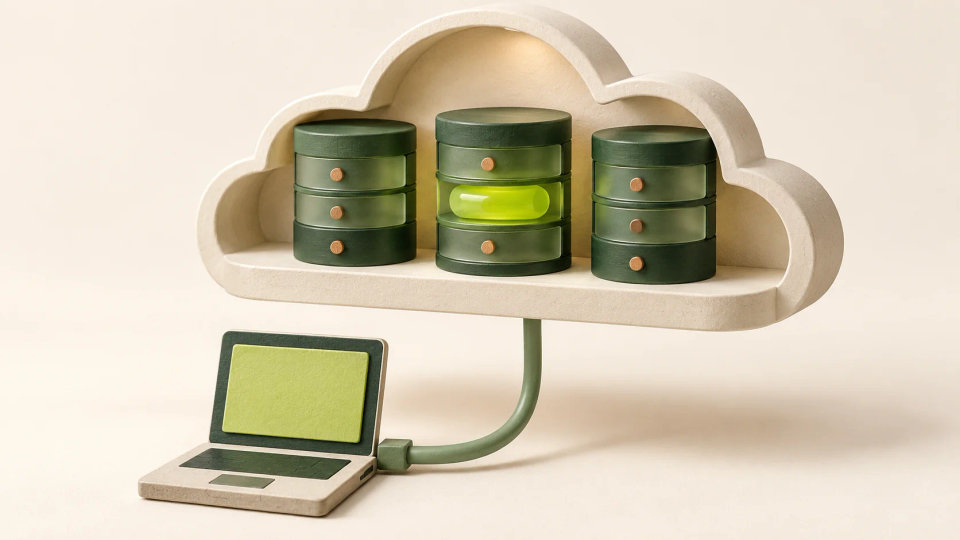
An application connects to a cloud-shaped shelf containing a cluster of data stores.
AI-assisted original illustration
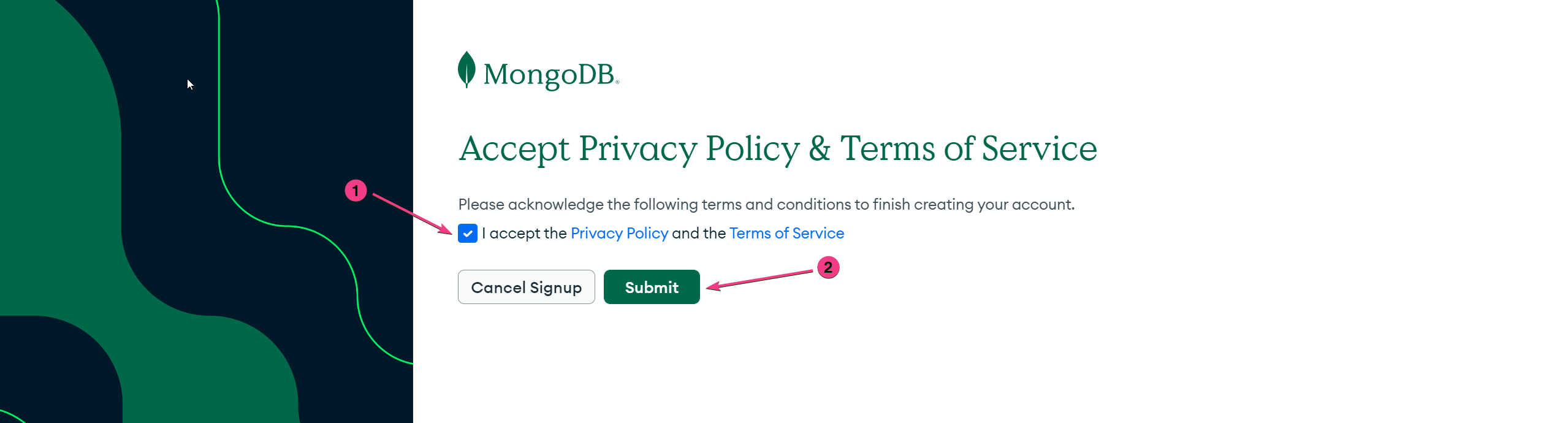
Accept the terms & policy and click on submit button
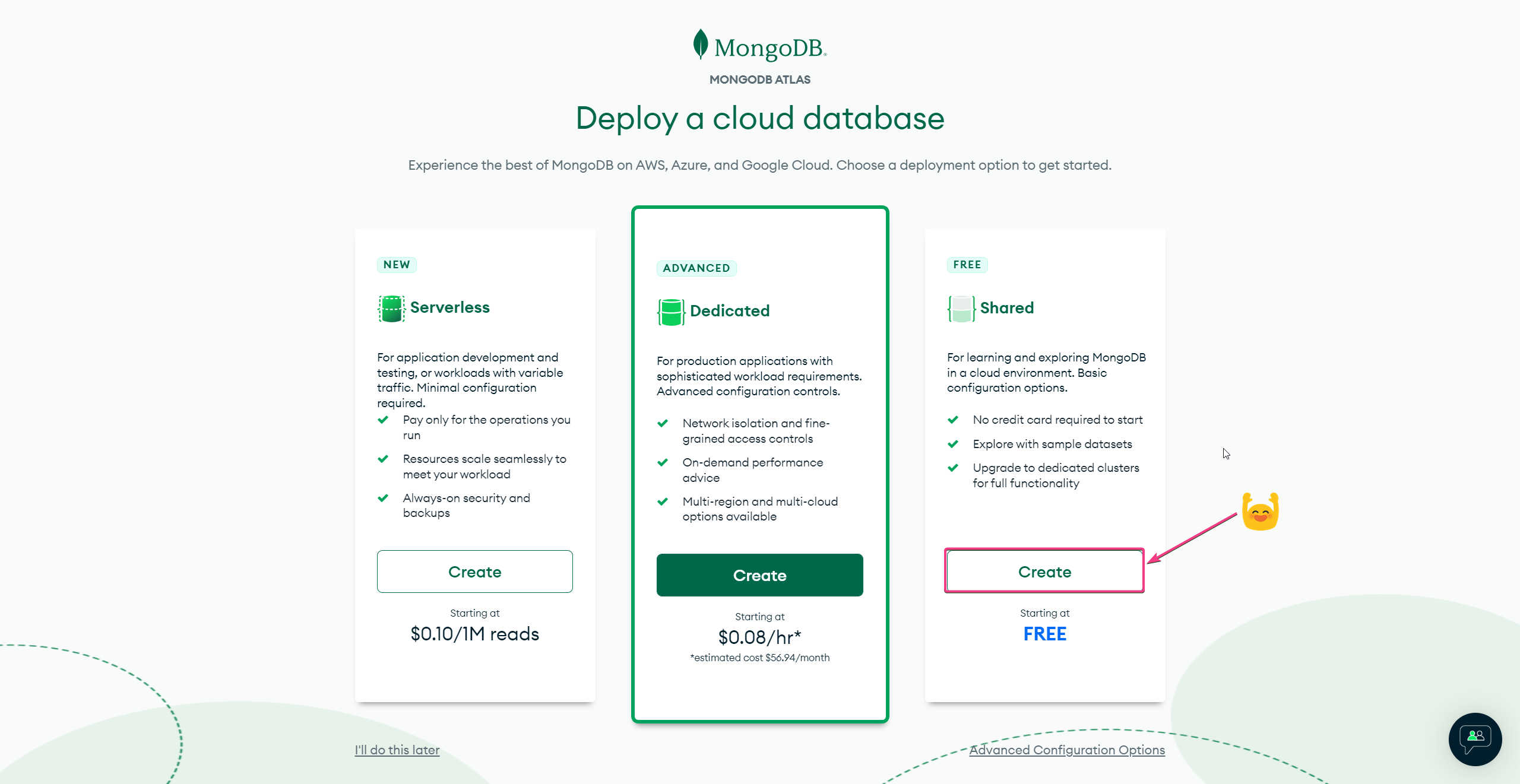
Choose the free tier 🎉🎉

The default cloud provider is AWS & location is closest to you. Both could be changed.
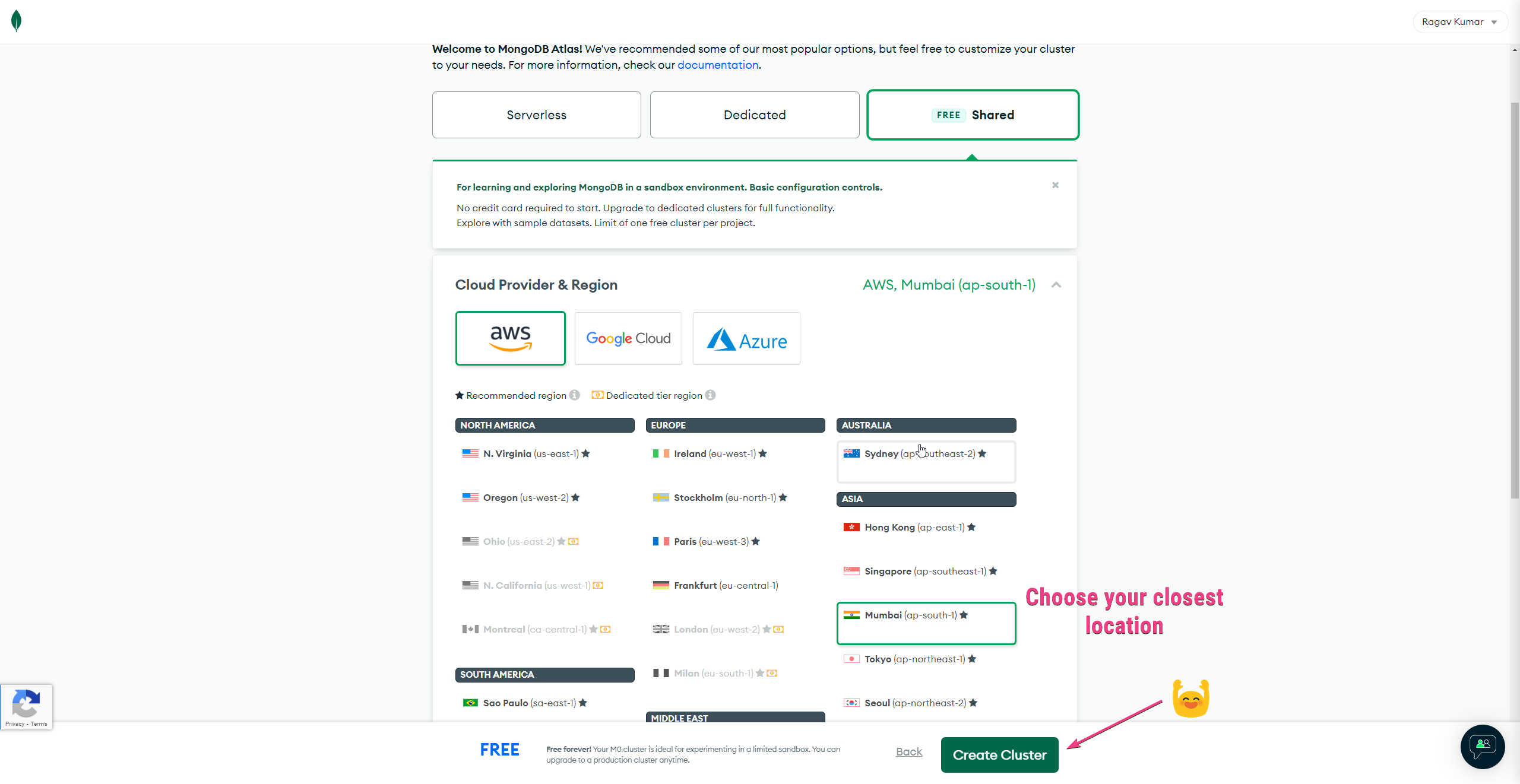
Just click on create cluster 😁👍, cause default settings good to go 🎊
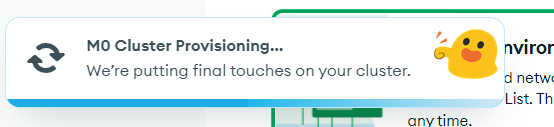
It takes about 2 mins to finish provisioning 🕐

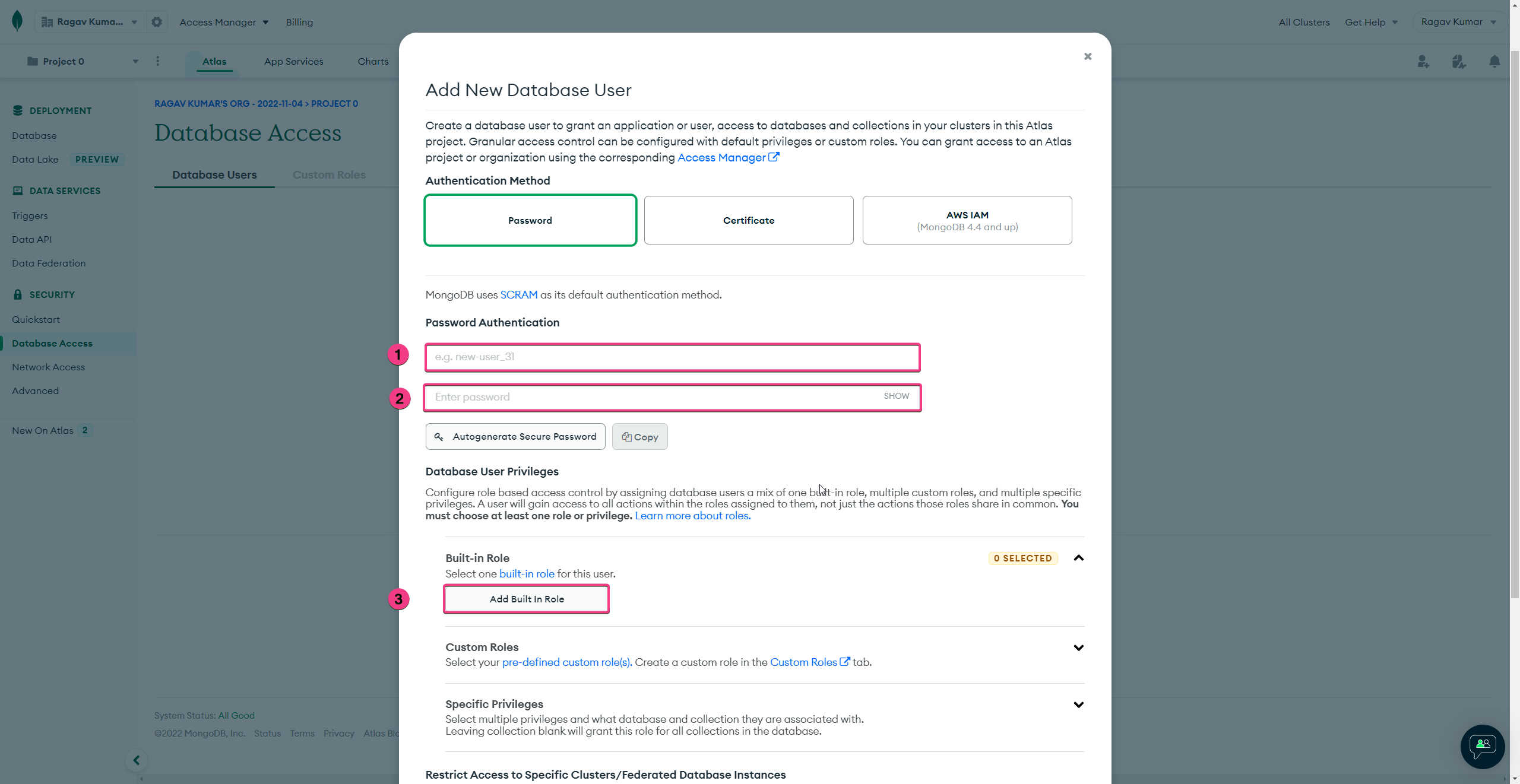
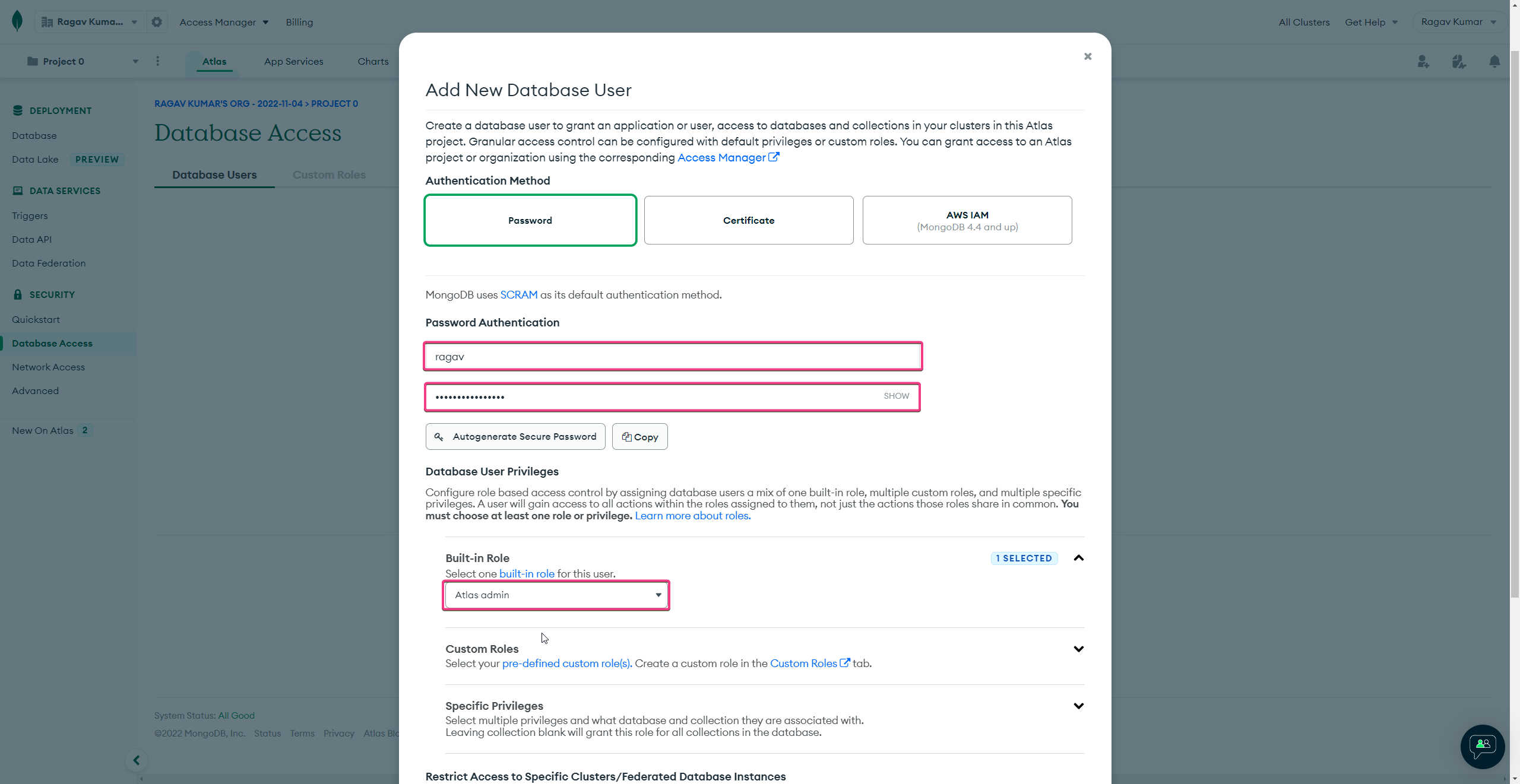
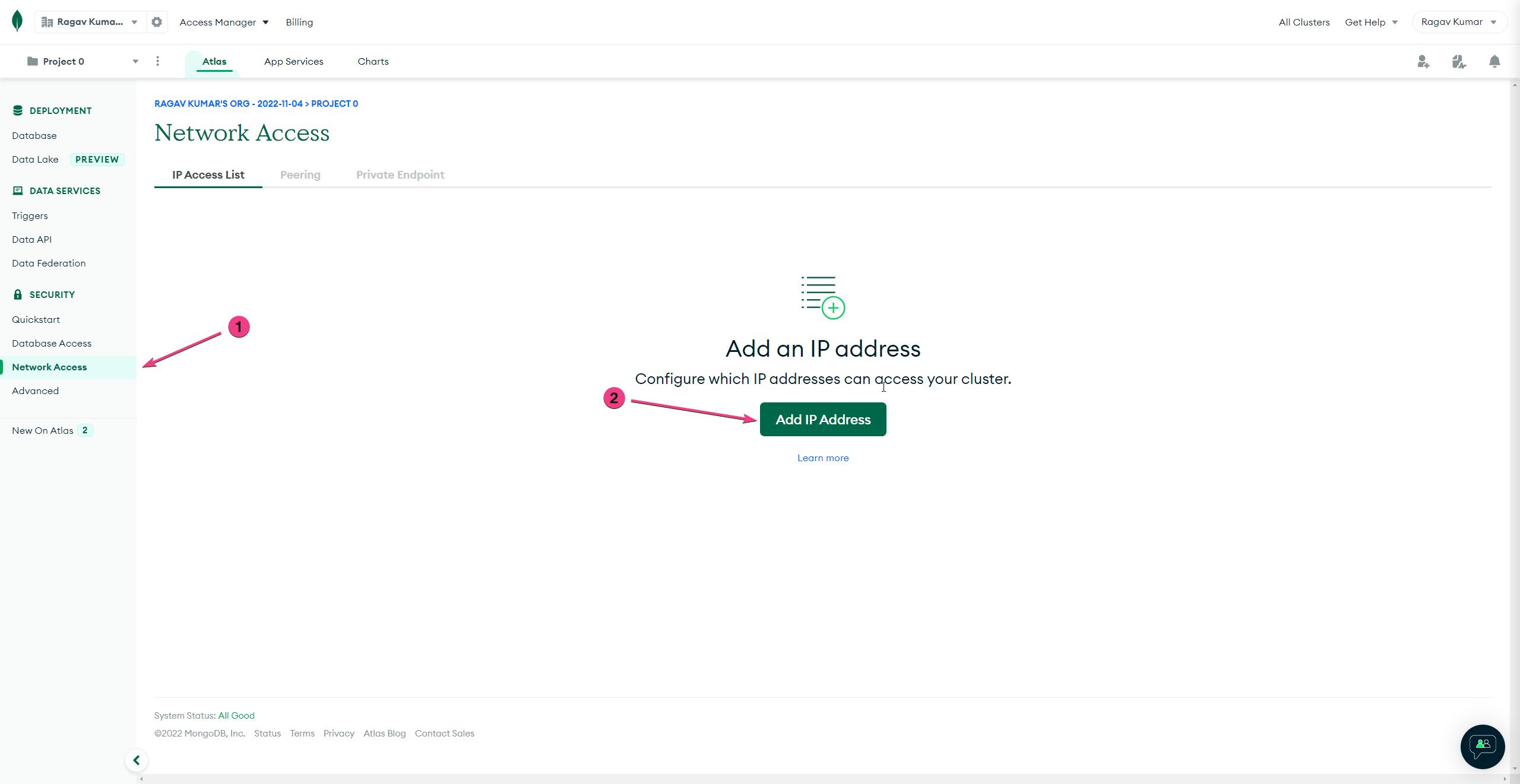
Create a user with admin as a built-in role as admin

Choose username, password & built-in role (admin)
Use Autogenerate password to create a secure one
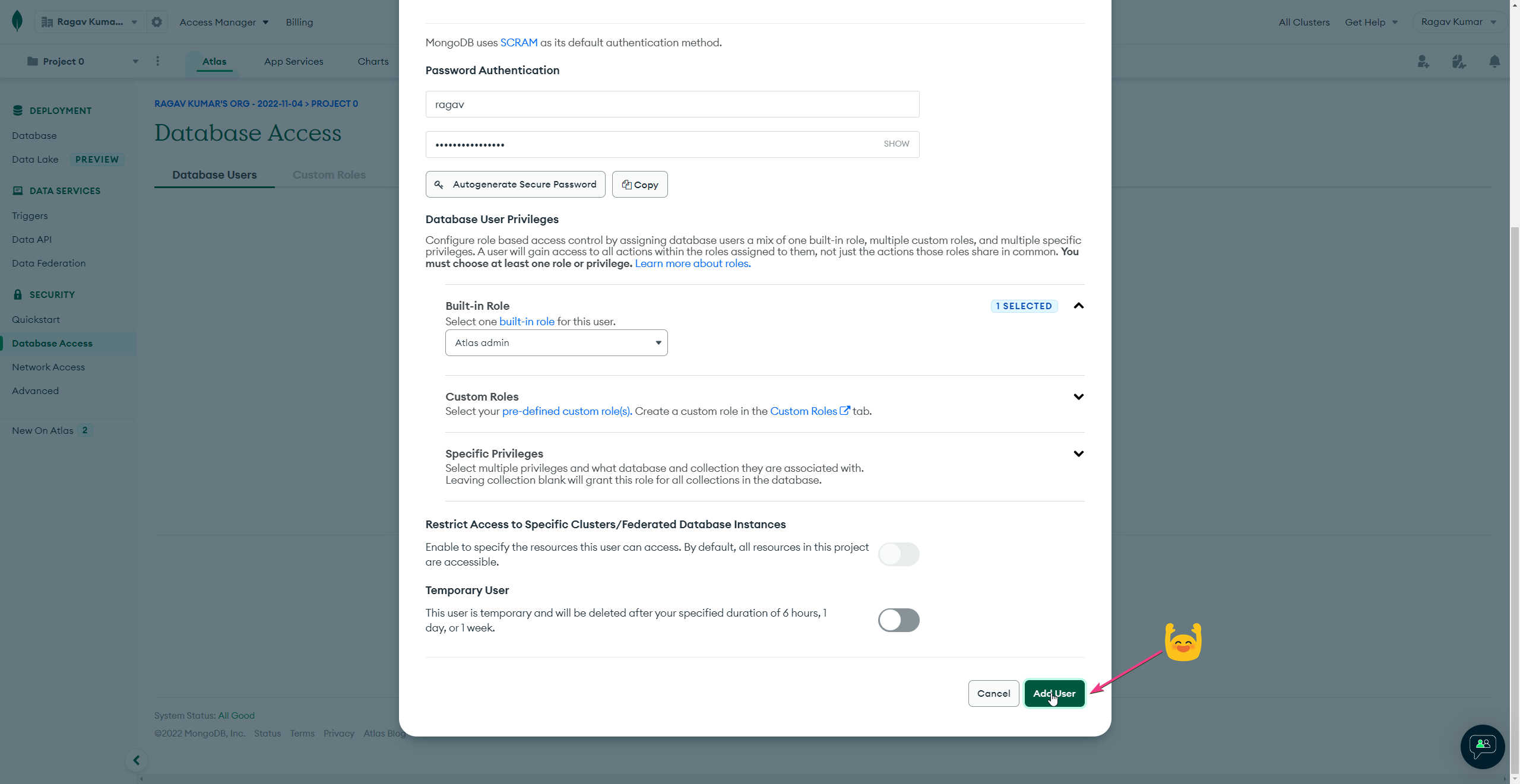
Click on "Add User" to create the user
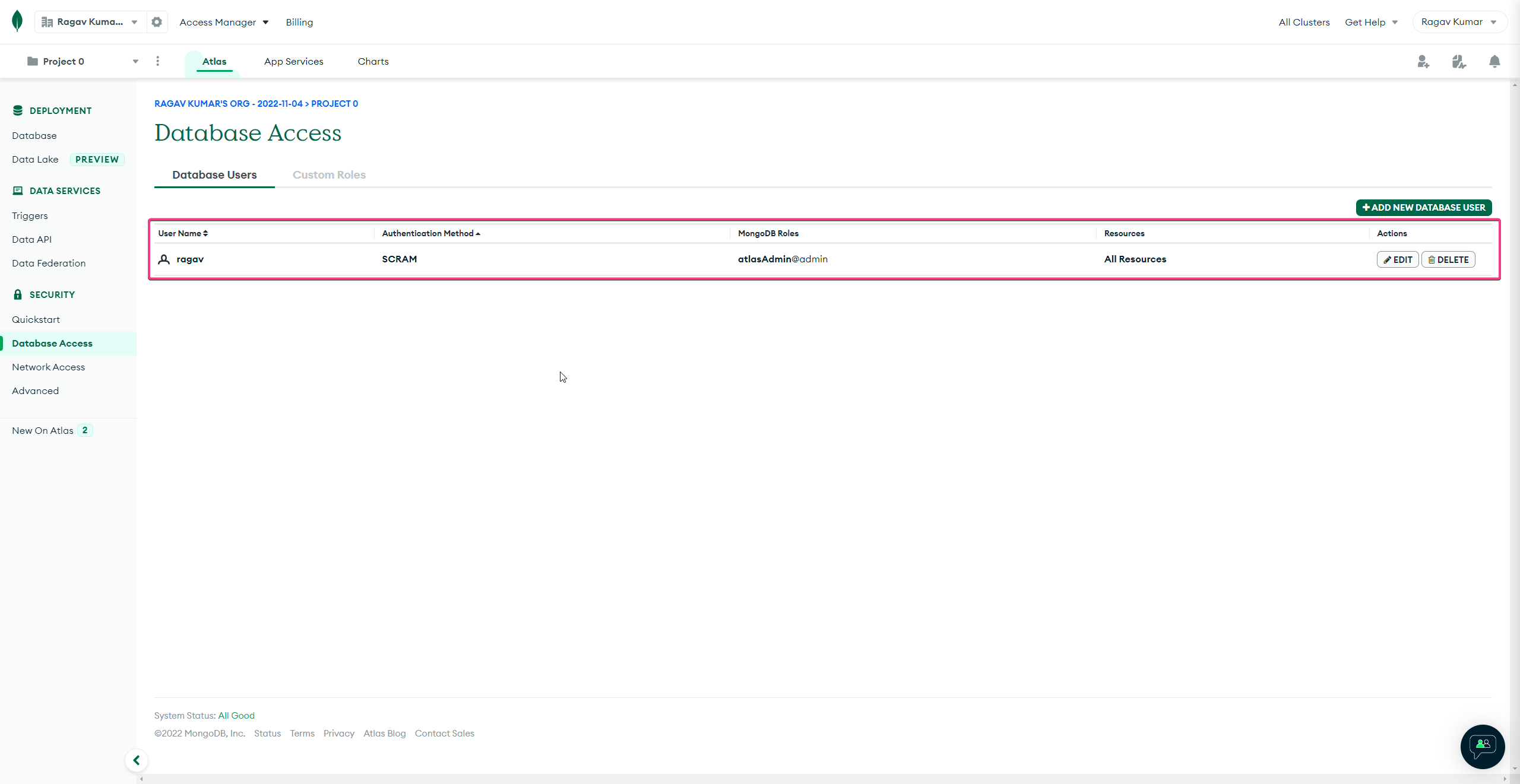
"ragav" user is created in few secs
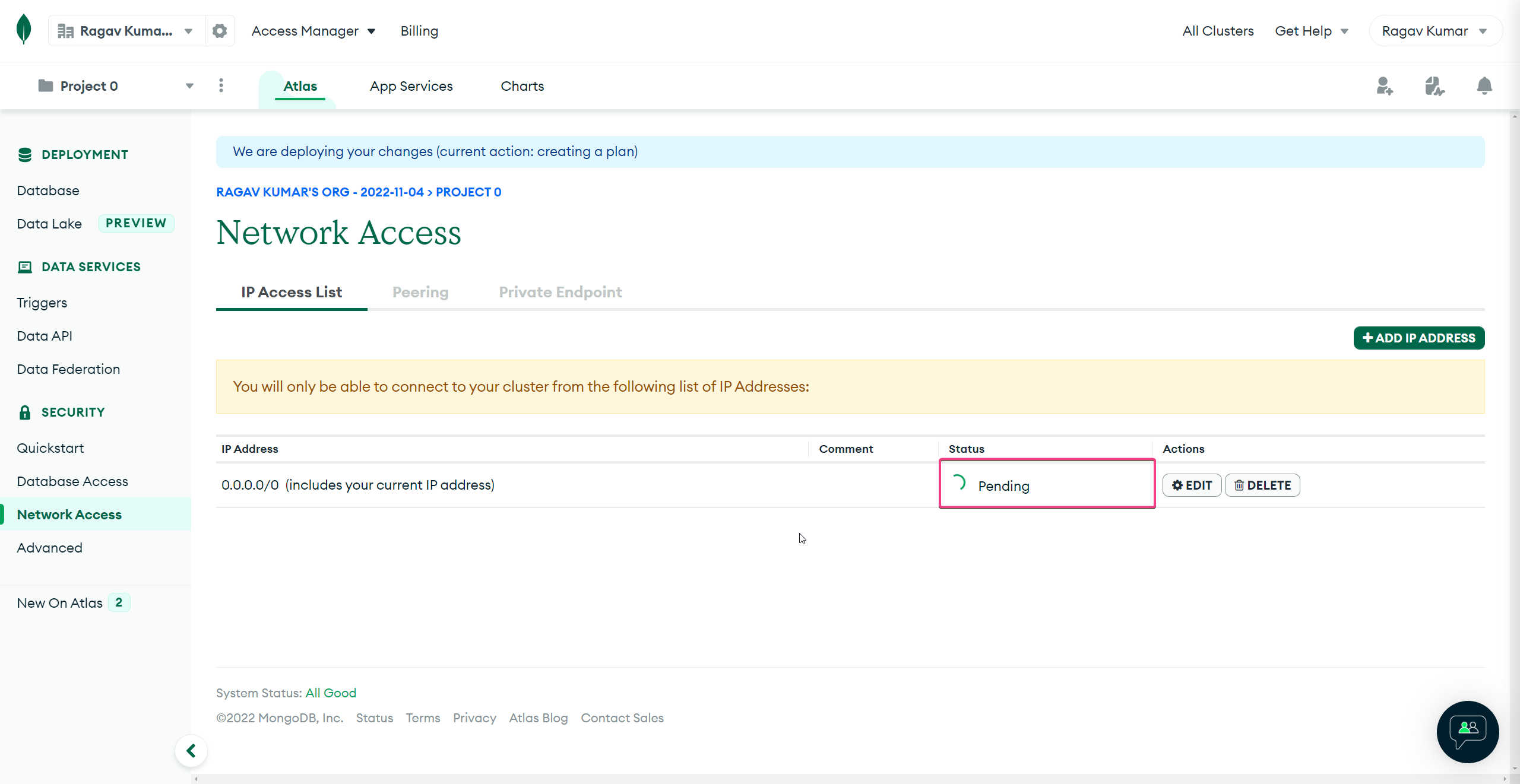
It takes about 2 mins to change from Pending toActive state
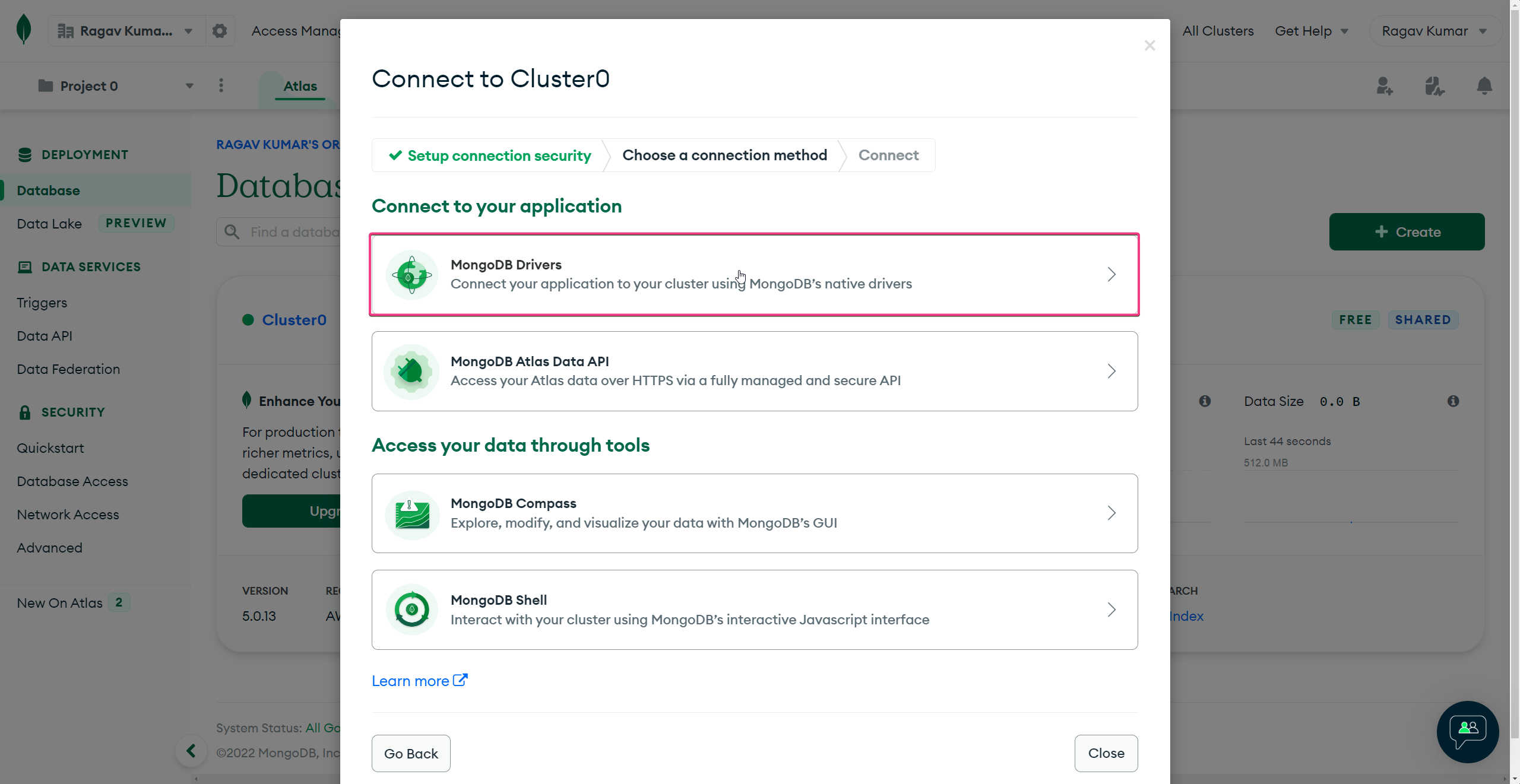
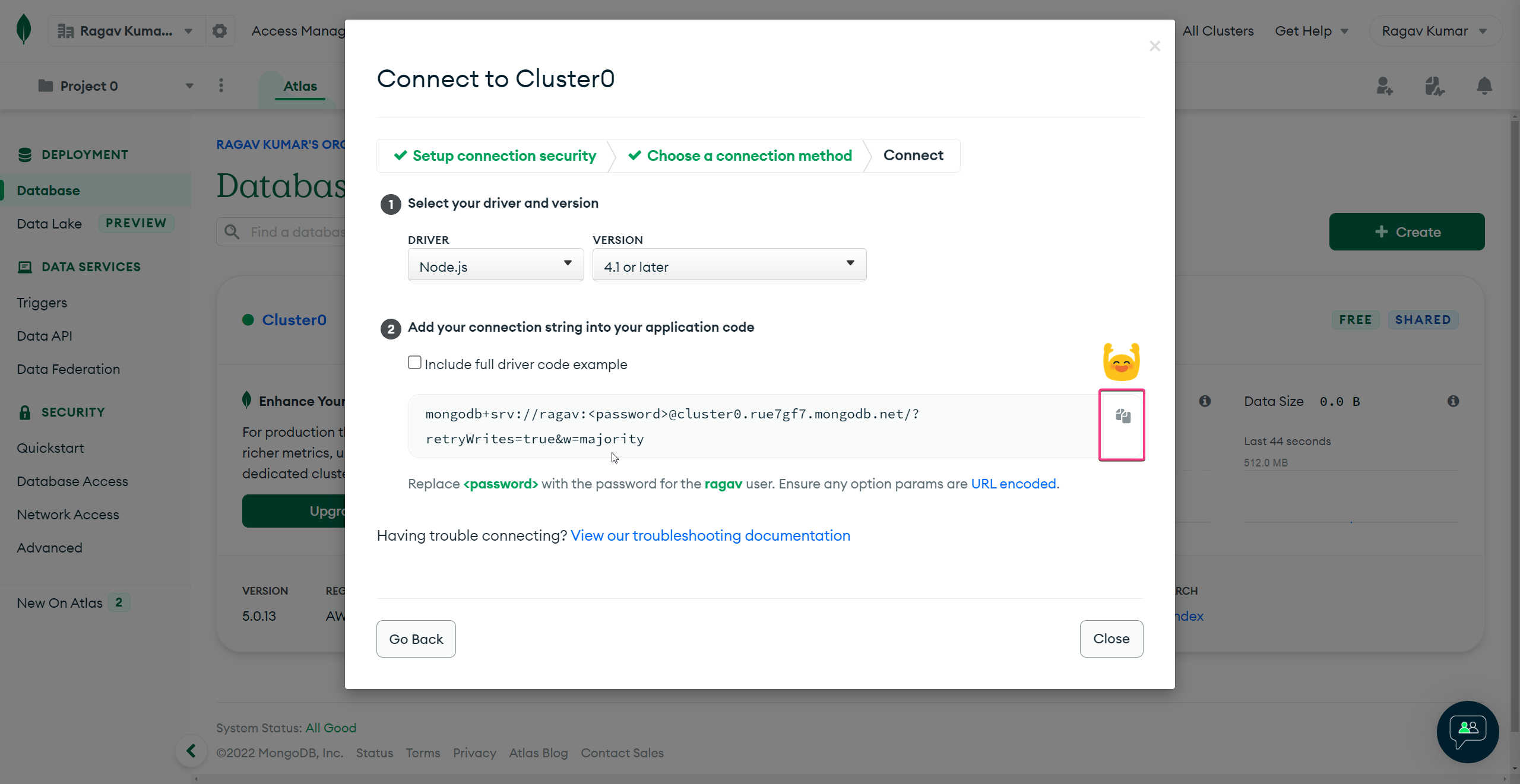
Copy the URL to connect NodeJS with Atlas
@ragavkumarv
swipe to next ➡️